What does it cost?
R150 per month per school, VAT included, on a 12-month subscription (R1,800 a year). That covers every PC and every
exam venue at the school, all three exam modes and every update.
Do we need to install anything?
No. Sign in, open the timer and put it on the projector. It works in Chrome, Edge and other modern browsers.
What happens if the internet goes down during an exam?
Nothing you will notice. A paper that is already running keeps counting down. A PC that has opened
the timer before also keeps a copy of the timer itself, so it starts even with no connection — open it
as an app (Chrome and Edge can install it, see the guide)
or from a bookmark of the timer page itself, whose address has /timer/ in it. This home page and
the guide need the internet.
How is extra time worked out?
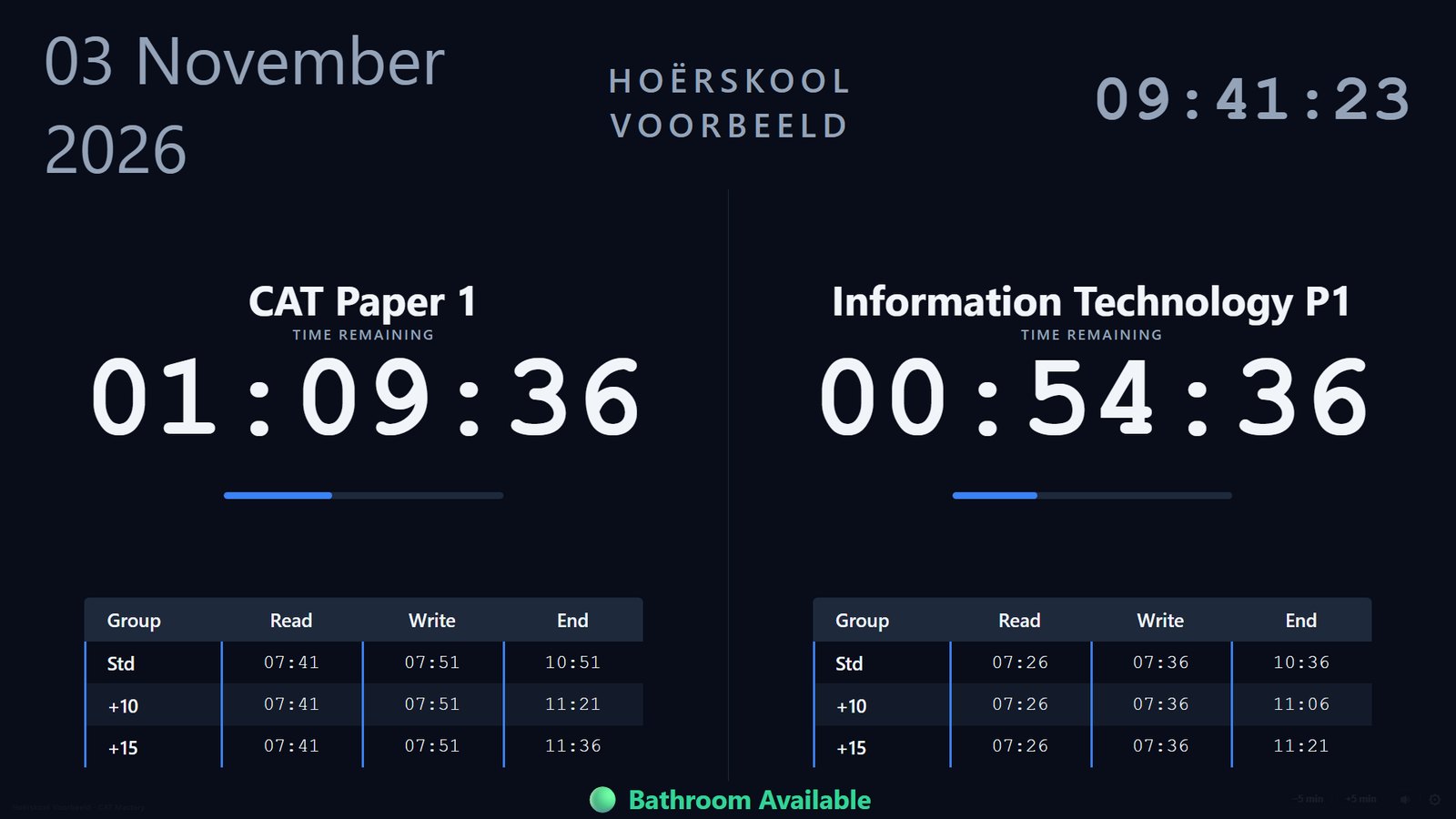
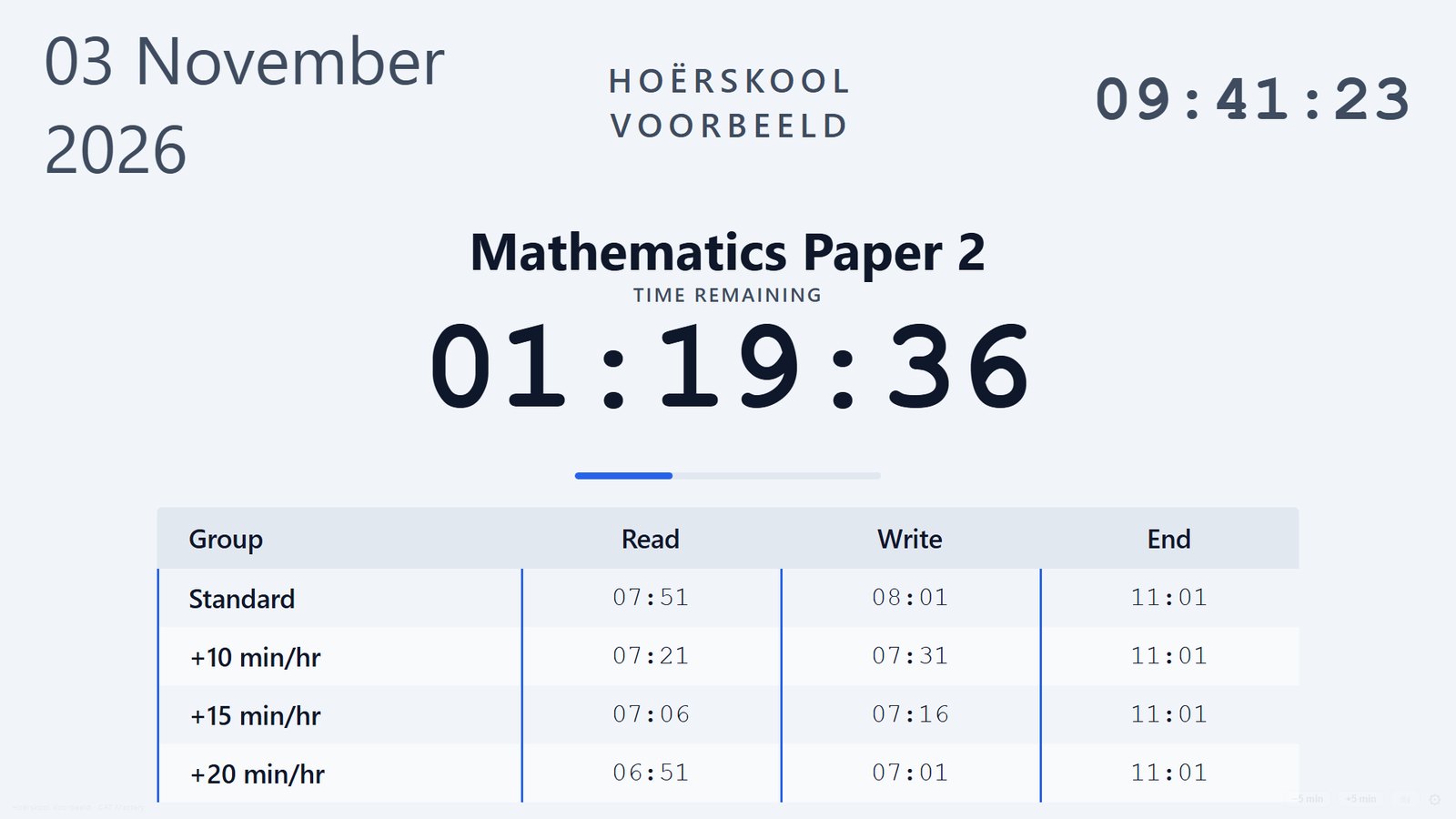
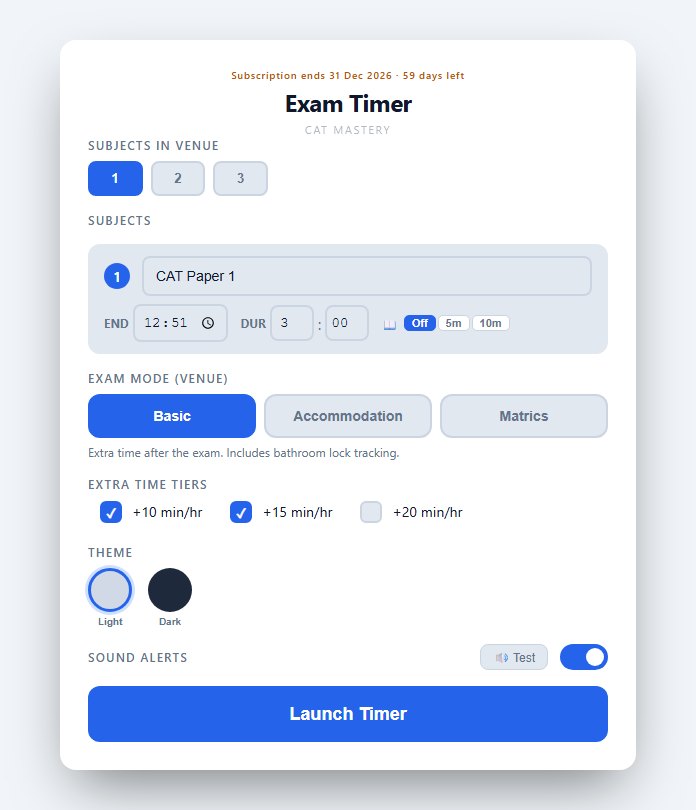
Per hour of the paper: +10, +15 or +20 minutes for every hour. A three-hour paper with +10 minutes per hour
gets 30 extra minutes. Each group gets its own row with its own finish time.
What does matric mode do differently?
Everyone starts together and extra time is added after the standard finish. The bathroom status shows
"locked" for the first hour of the paper and the last 30 minutes before the standard end (it stays locked through the
extra time), and "available" in between.
Can we run more than one venue?
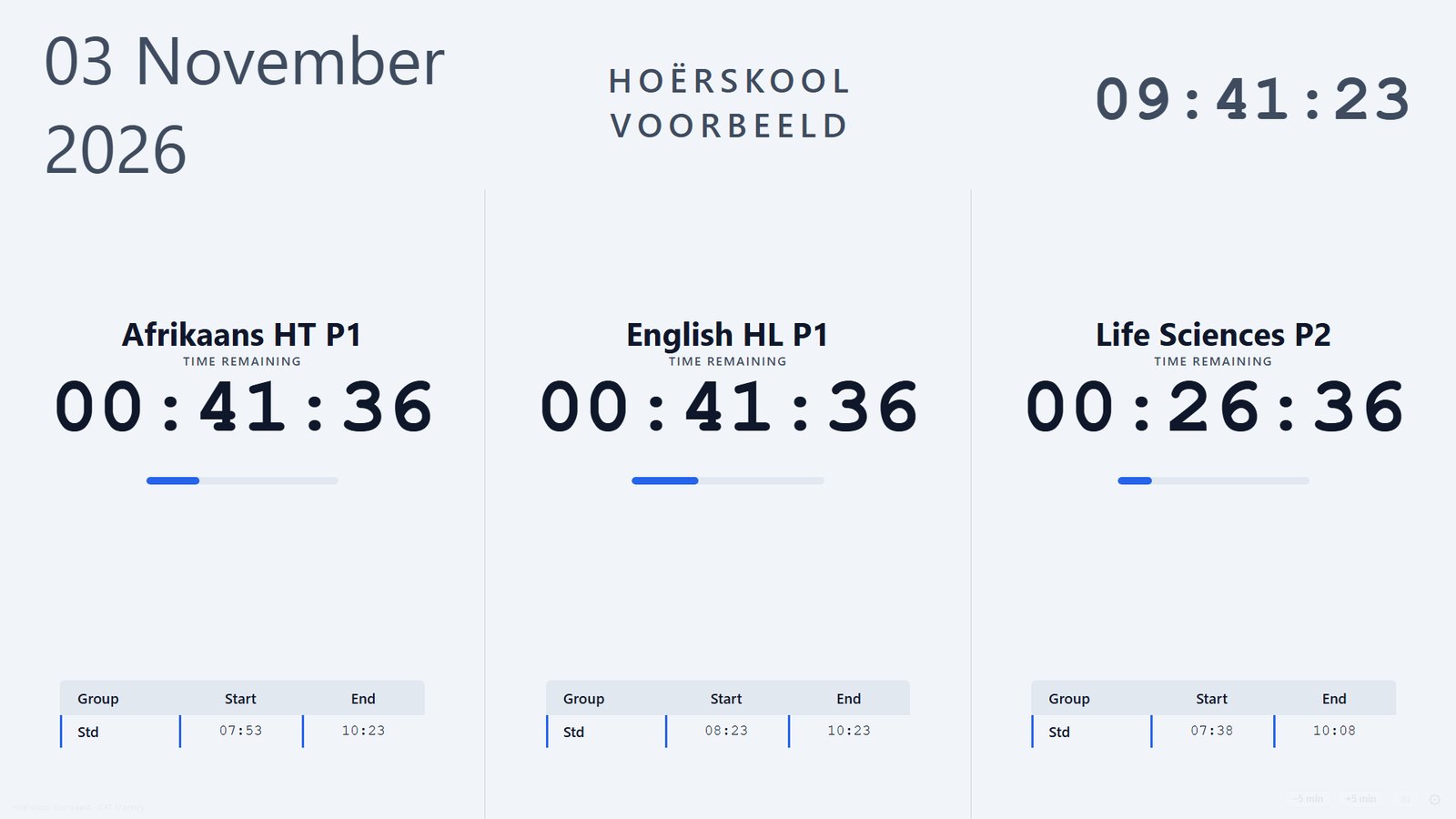
Yes. Open the timer on as many PCs as you have venues — each one runs its own papers.
Is there a guide for invigilators?
Yes — the user guide walks through setting up a paper,
every part of the projector screen, the alerts, and what to do when something goes wrong. It prints as a handout too.
Something is wrong on exam day — what do we do?
The timer keeps running once it is open. For anything else — accounts, subscriptions or a fault in the timer —
email catmastery.sa@gmail.com with your school's name.